Description
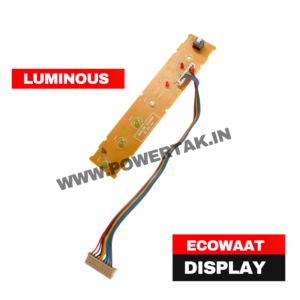
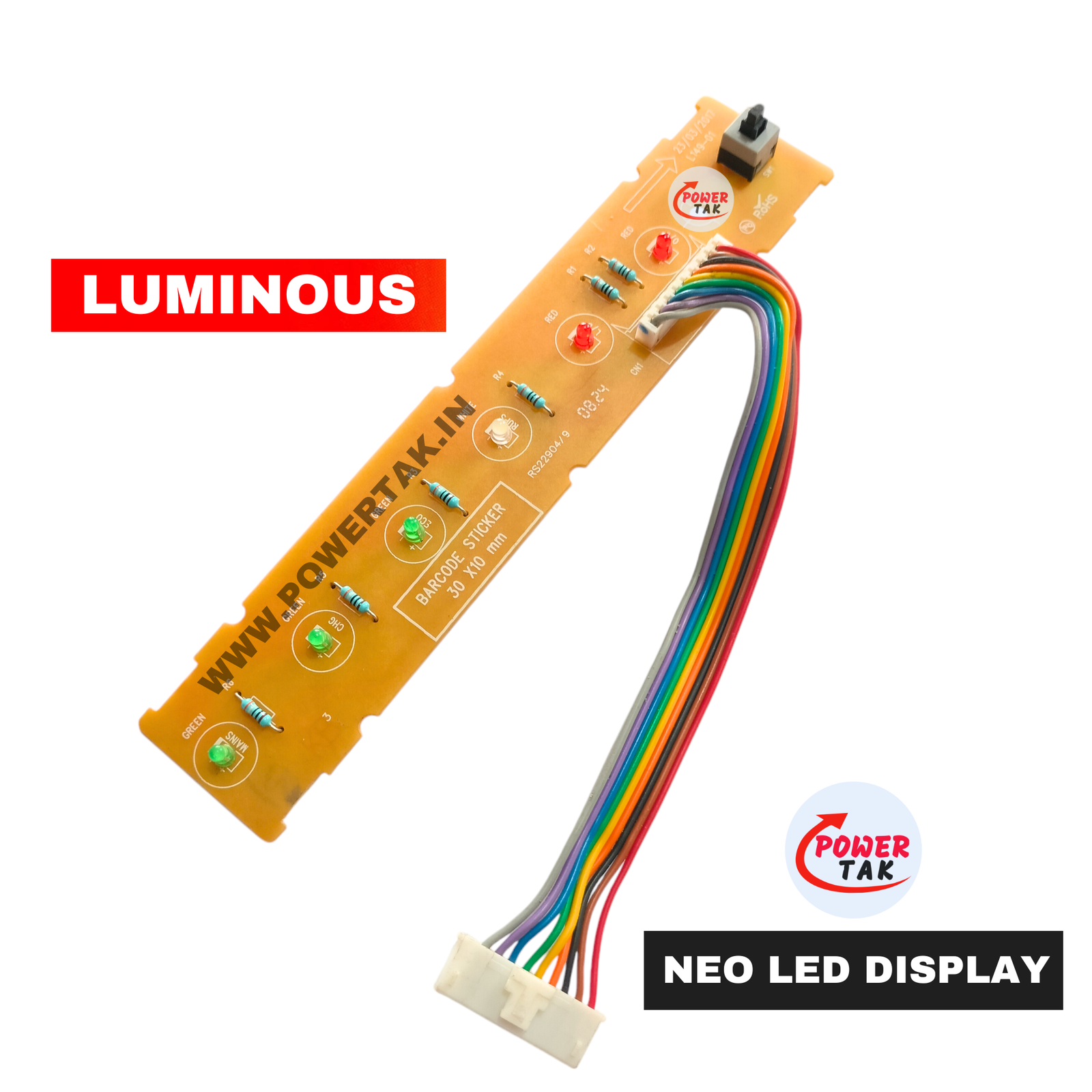
- Luminous 100% Original Display
- Model L149
- LED PANEL
- use in Luminous NEO INVERTER
- Complete Display
- With Wire Jack Switch
- 6 LED
-
1. Where is it used?
It is a spare part located on the front face of the inverter. If your inverter’s power button stops responding or the indicator lights (LEDs) stop glowing, technicians replace this specific PCB (Printed Circuit Board) to fix the issue.
2. A Simple Example
Imagine you have a Luminous EcoWatt Neo 700 or 900 series inverter at home:
- The Switch: When you want to turn the inverter ON or OFF manually, you press the button on this panel.
- LED Indicators: The panel “talks” to you through lights. For example:
- Mains ON: A light glows to show the house is running on government electricity.
- Charging: A blinking light shows the battery is being charged.
- Low Battery: A red light warns you that the battery is almost empty.
- Overload: A light alerts you if you are running too many appliances (like an AC or geyser) on the inverter