Description
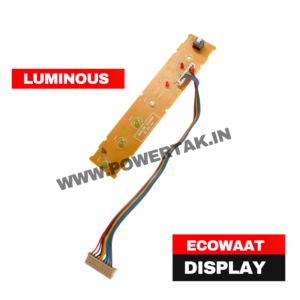
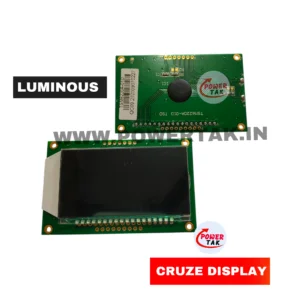
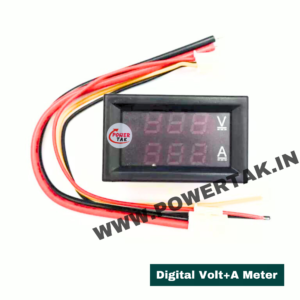
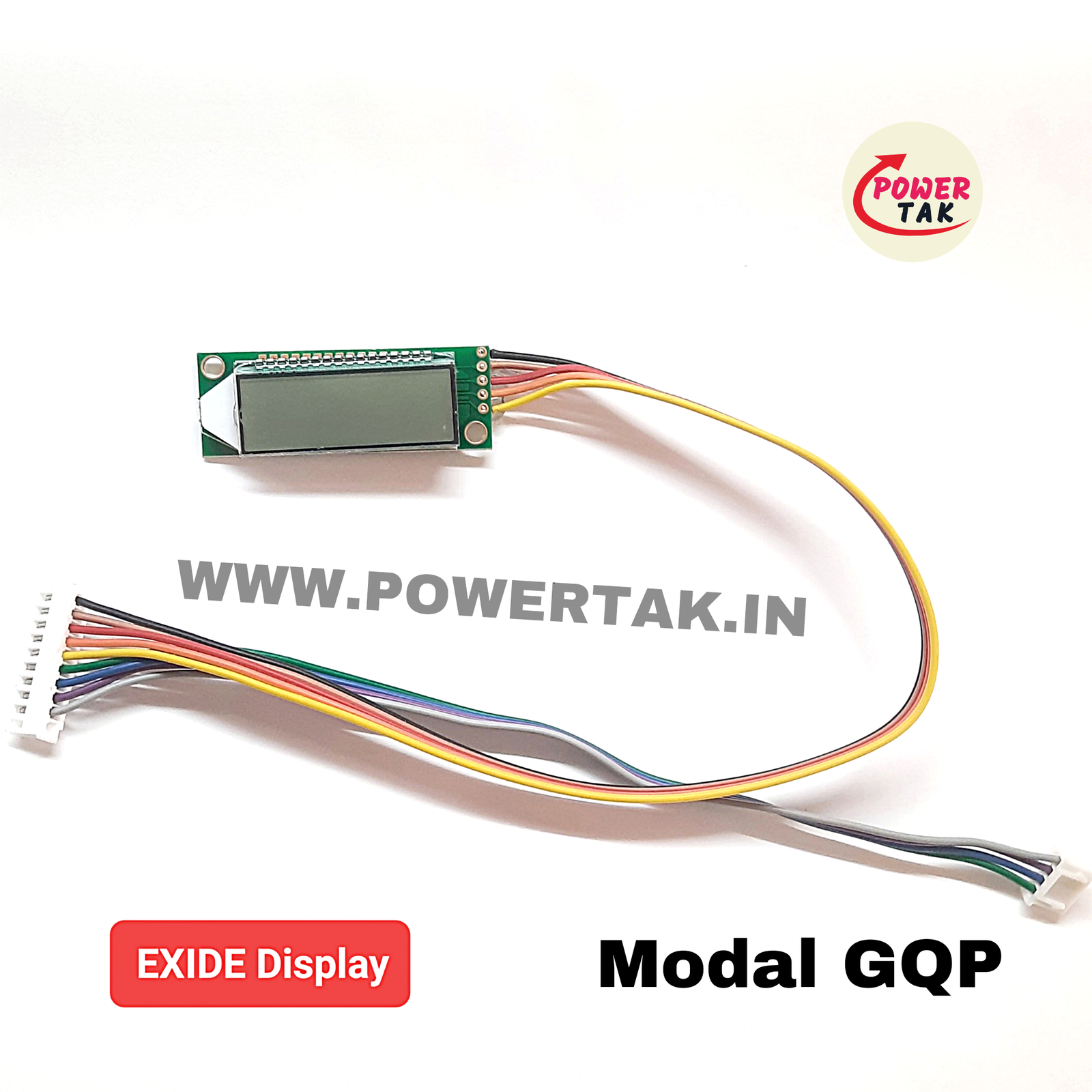
- The Setup: You connect the display to the inverter using its long wire and mount the screen on a wall or outside the cabinet where it’s easily visible.
- What it tells you:
- Battery Status: It shows exactly how much charge is left (e.g., 80% or 20%).
- Load Level: It tells you if you are running too many fans or lights.
- Input/Output Voltage: It monitors if the main power supply is stable.
- Error Alerts: If the inverter trips due to an “Overload” or “Short Circuit,” the LCD will display the specific error message instead of just blinking a red light